
Either drag and drop a file onto the center pane or select Add > Upload Document and select the file. The file can be in any format.
The file is uploaded as a reference with type Generic. RefWorks attempts to automatically extract as much information as it can from the uploaded file. Edit the reference to correct and complete the information.
If you drag and drop multiple files at one time, a reference is created for each file.

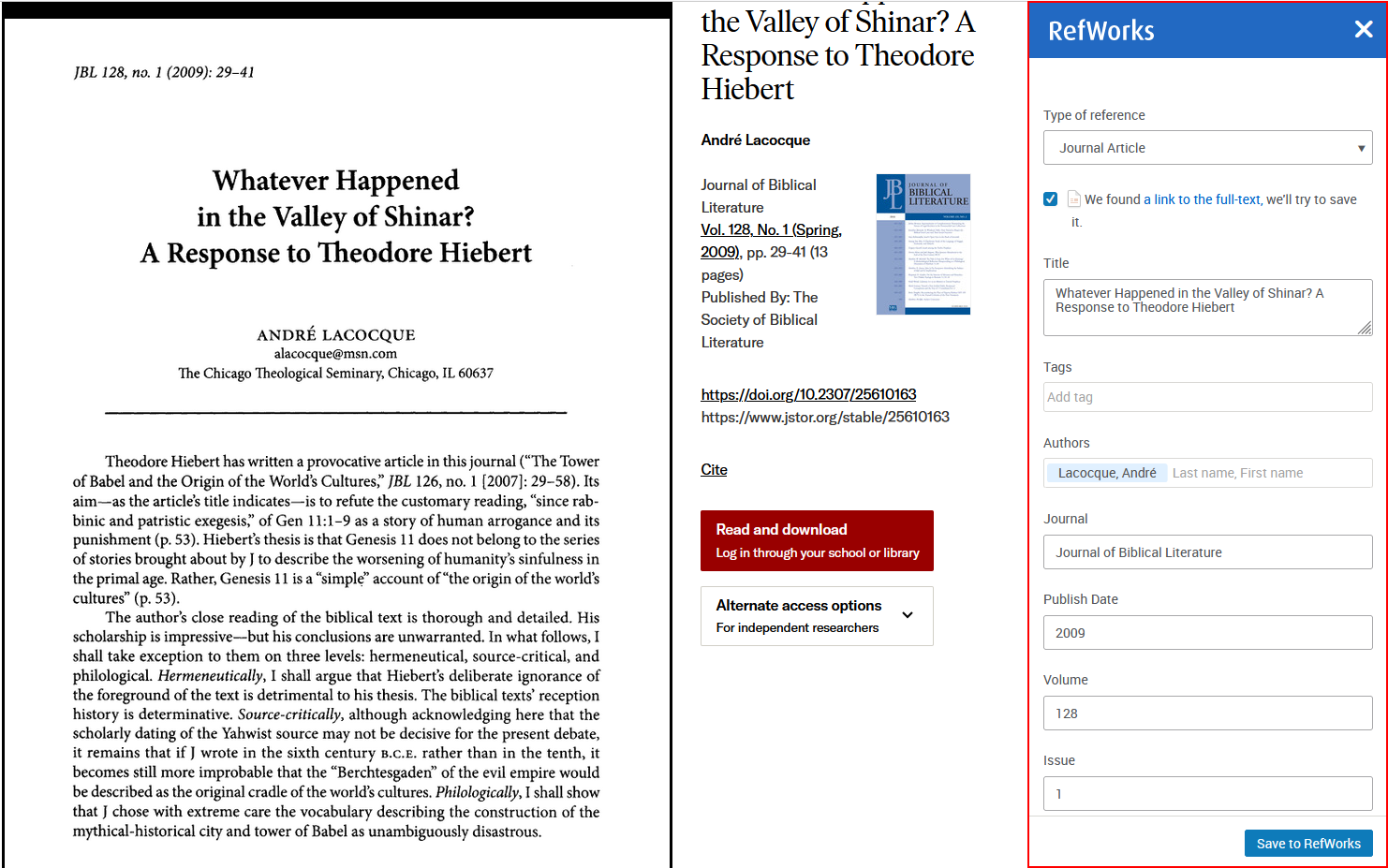
Save to RefWorks is a bookmarklet that you can install in your browser's favorites (bookmarks) bar. When you are browsing a website that has references that you would like to add to your RefWorks account, select the bookmarklet. RefWorks attempts to save the references and full texts.
Save to RefWorks should work on any modern browser.
If the browser toolbar is not visible, you can make it visible in Chrome by following these steps:
Press Ctrl + Shift + B (Windows/Linux) or Cmd + Shift + B (Mac).
This toggles the bookmarks bar on and off.
If you experience any problems, see Getting Help / Submitting Ideas to Ex Libris.
You can import existing references from any reference management service. You can import directly from another RefWorks account or from your Mendeley account. For other services, such as Zotero, you can import a file that you have exported from that service. Also see Exporting References to a File.
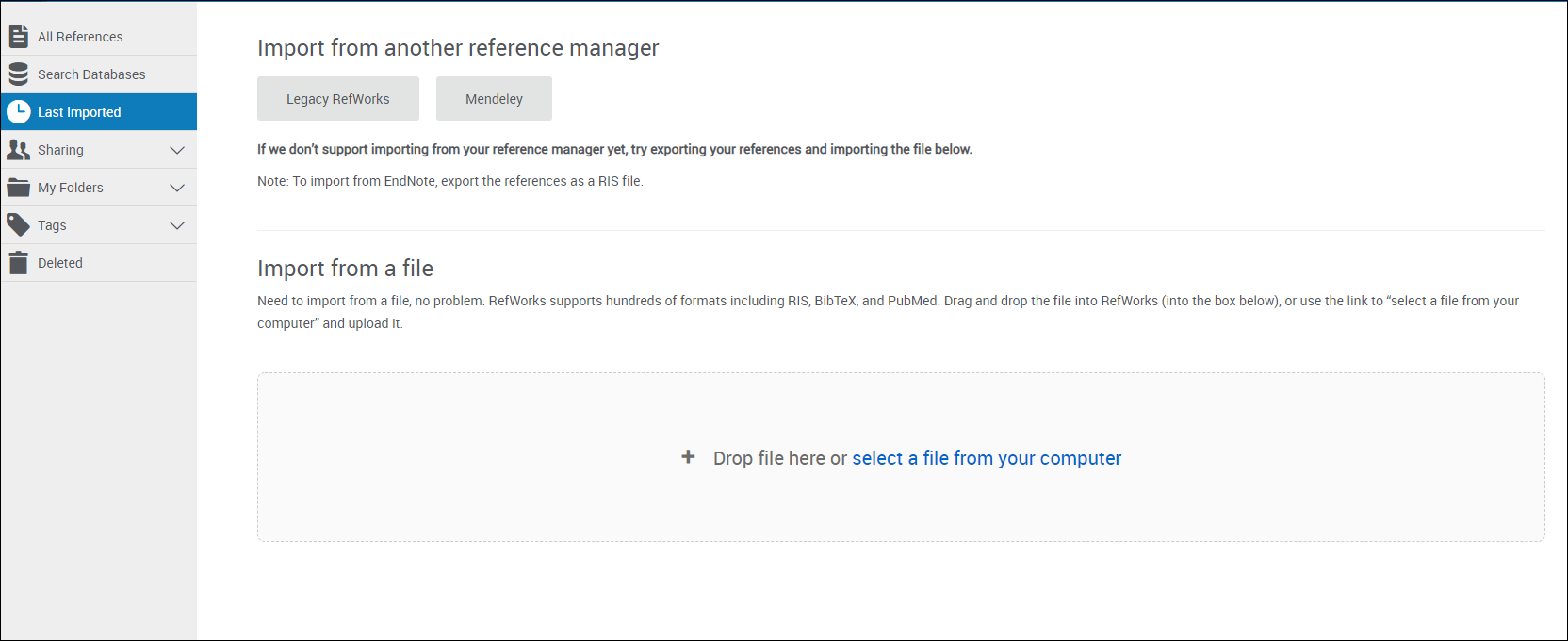
Otherwise, drag and drop the file containing the list of exported references or select select a file from your computer, select the file, select the relevant format (and, for RIS or Thomson Reuters formats, select the closest matching database), and select Import. Your references are copied from the other service to RefWorks.
In both cases, your references are added to RefWorks.
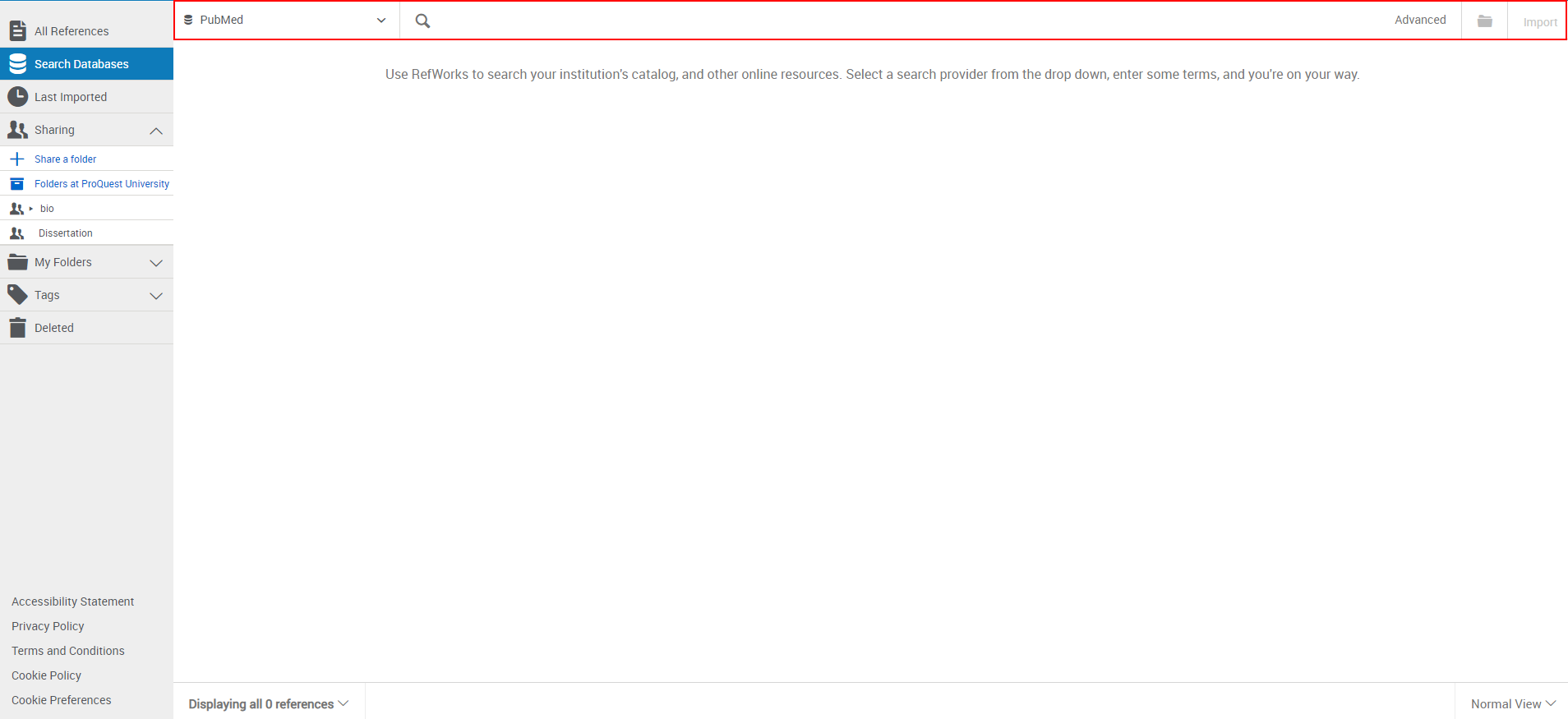
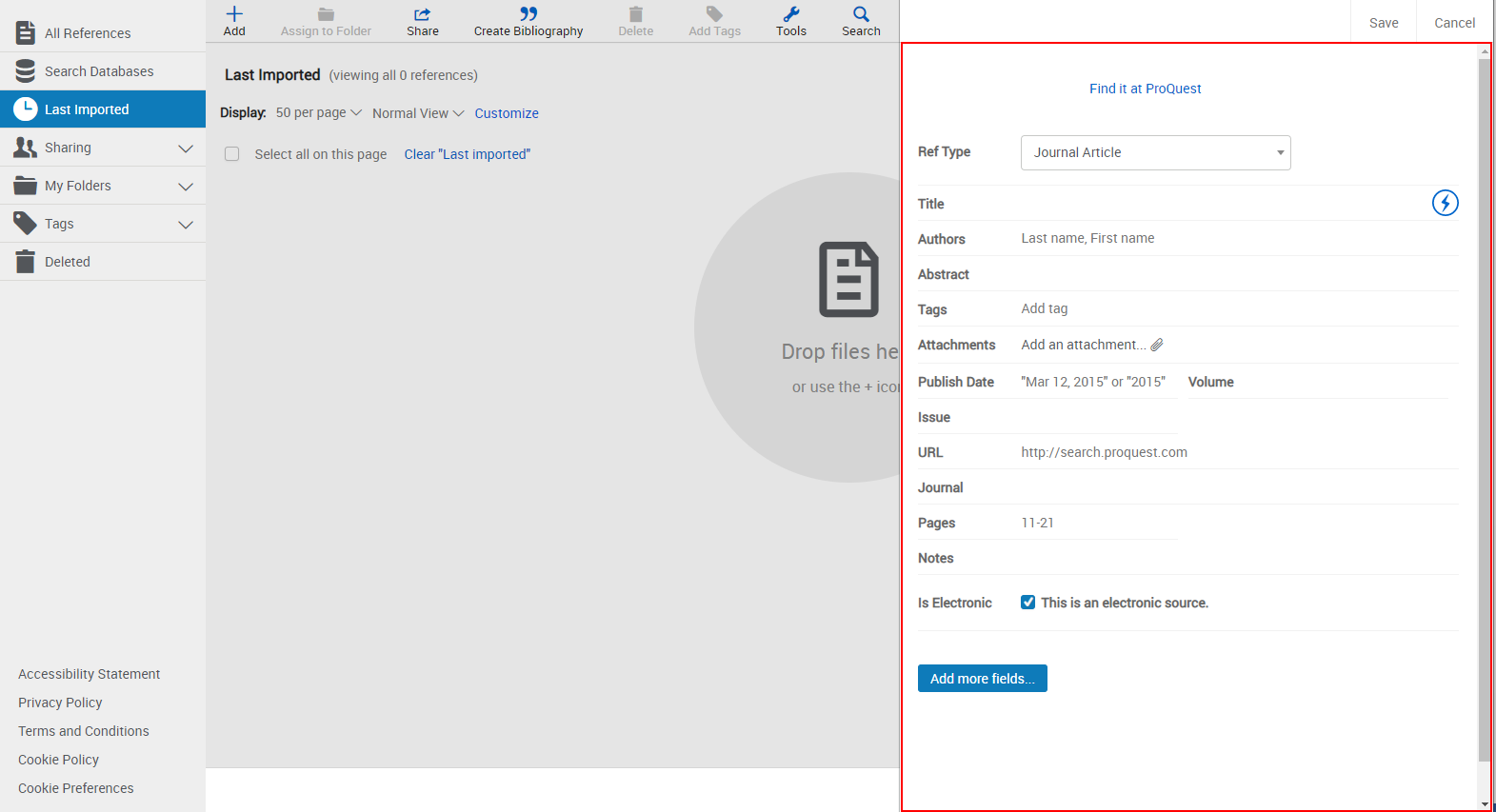
 in the Title field to have RefWorks match the title with an item in the library. This button is also available after you enter a value in the DOI field, which appears for most reference types (select Add more fields to see this field, if it is available). RefWorks displays possible matches at the bottom of the pane. If you select one, RefWorks completes the title and fills the fields with information from the library.